Affordable coding platforms for high school students helped me realize that building a website shouldn’t feel like a chore. I remember sitting at my kitchen table, trying to organize a neighborhood food drive with nothing but a messy group text. It was a disaster that left everyone confused and frustrated. You need a simple place where neighbors can find info without a massive technical headache.
1. Google Sites
Google Sites is the absolute best place to start if you already have a Gmail account. It is completely free and integrates perfectly with all the spreadsheets and forms you probably already use to track volunteer hours. I used it for a local park cleanup group and had the whole thing live in less than an hour.
The layout is simple, so you won’t get lost in a sea of confusing settings or design choices. It is responsive, meaning it looks great on a phone or a laptop without you doing any extra work. You get a professional look for the low price of zero dollars.
2. Carrd
If you only need a single page to gather signups or share event details, Carrd is a fantastic choice. It is incredibly cheap, often costing less than twenty dollars for an entire year of service. I love how it focuses on one thing and does it exceptionally well.
The designs are modern and clean, which is great for catching the eye of busy locals. You can add a simple contact form to keep your personal email private while still staying reachable. It is the perfect middle ground between a social media profile and a full website.
3. Wix for Nonprofits
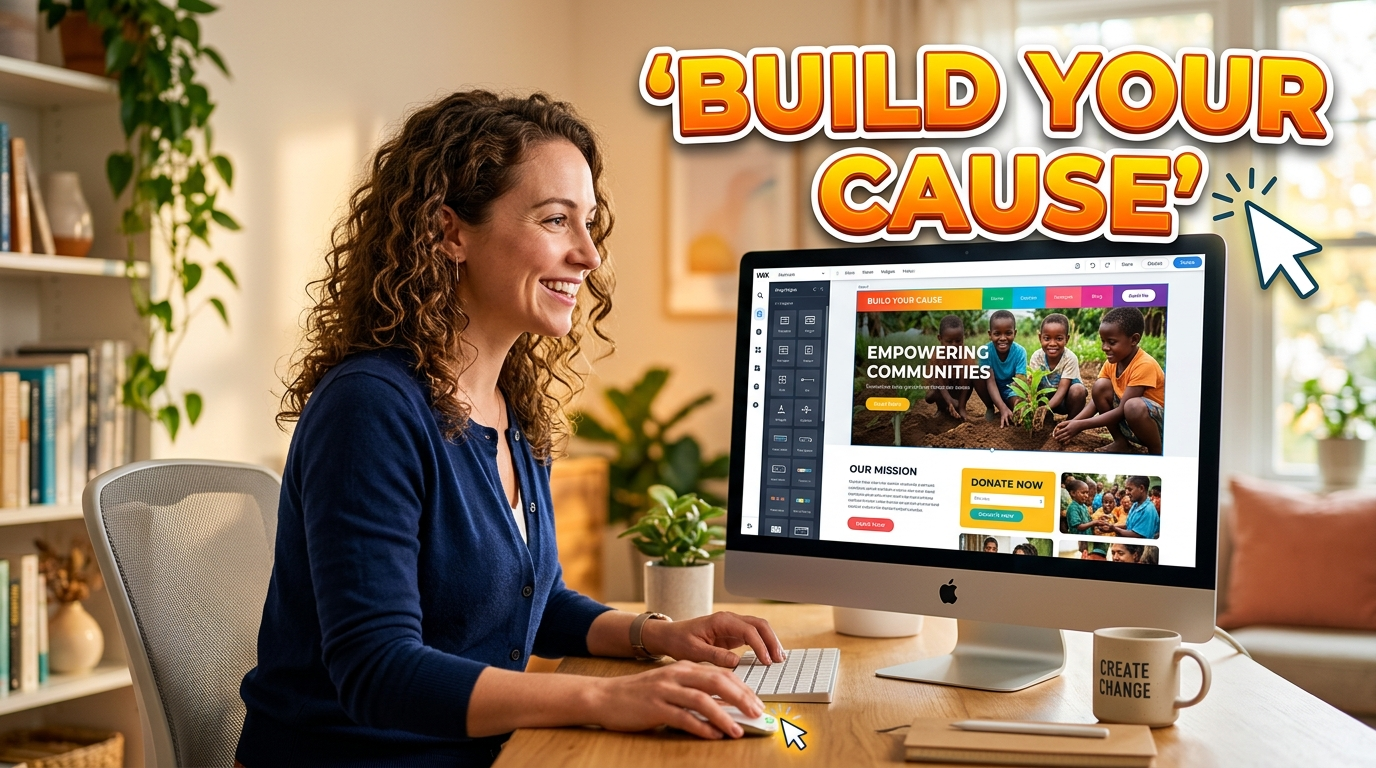
Wix is a powerhouse that offers a drag-and-drop editor that lets you put images and text literally anywhere on the screen. They have a specific program for community groups that helps lower the cost of their premium plans. I found their template library to be the most extensive for things like animal shelters or youth sports.
The automatic backup feature saved my life when I accidentally deleted our entire event calendar. You can add a blog section to share stories about the impact your volunteers are making in the neighborhood. It gives you room to grow as your community group gets bigger over time.
4. WordPress.com
WordPress powers a huge chunk of the internet, and their free tier is a solid option for community leaders. It is a bit more complex than a basic builder, but it offers more long-term flexibility if you want to add membership features later. I used it for a local book club that eventually turned into a city-wide reading initiative.
The built-in SEO tools help local residents find your site when they search for volunteer opportunities on Google. You can choose from thousands of plugins to add specific functionality like photo galleries or event bookings. It is a reliable platform that has stood the test of time for a reason.
5. Weebly
Weebly is famous for its “what you see is what you get” editor that simplifies the web design process for beginners. It is owned by Square, so it is a great choice if your group wants to sell t-shirts or tickets for a raffle. I found the interface to be very gentle for people who aren’t tech-savvy.
Adding a map component is a breeze, showing exactly where your next meeting or event will take place. The mobile app lets you make quick edits to the site while you are actually at the volunteer site. It takes the stress out of keeping your information current and accurate.
6. Strikingly
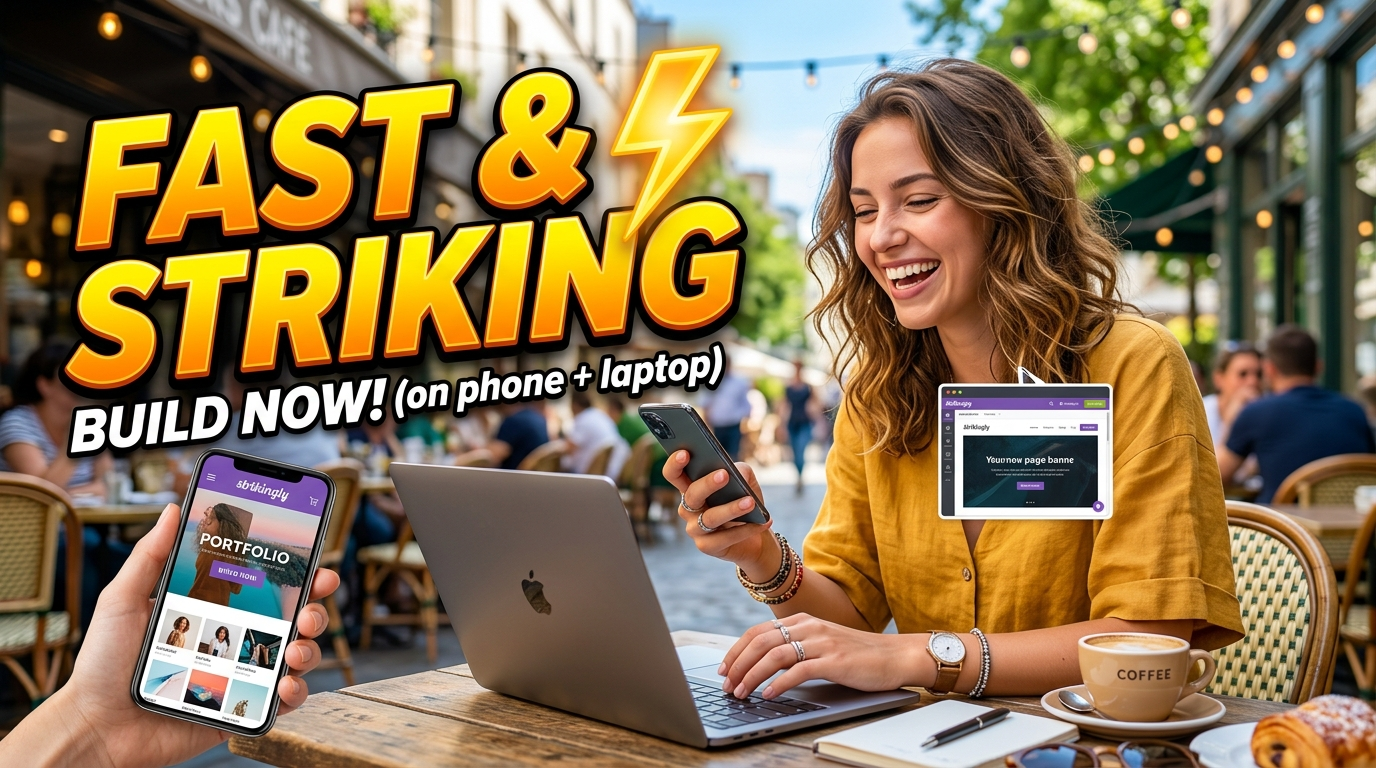
Strikingly is built specifically for creating one-page sites that tell a story effectively. Their focus on mobile users means your site will load incredibly fast even on a cellular connection at a local festival. I appreciate how quickly their support team responds when you have a question.
The social media feed integration allows your site to automatically update whenever you post to Instagram or Facebook. This saves you the time of having to post the same update in two different places. It is a smart way to keep your site feeling fresh without any manual effort.
7. Using affordable coding platforms for high school students for custom sites
Sometimes a generic builder just doesn’t offer the specific tool your group needs, which is where local talent comes in. Many affordable coding platforms for high school students help teenagers learn how to build custom web applications for free. You could find a local student who wants to build a custom volunteer portal to boost their college application.
Finding student developers
I have seen students build incredible check-in systems and donation trackers that rival professional software. Using student developers is a win-win because it saves you money and gives a young person real-world experience. It turns your community website into a learning laboratory for the next generation of coders. Often, the curriculum on these platforms includes modern languages like JavaScript or Python, which are perfect for web apps. You might even find a student who is willing to maintain the site as a summer project.
8. Jimdo
Jimdo uses an artificial intelligence assistant to help create your website in just a few minutes based on your preferences. You just answer a few questions about your group, and the system generates a draft that you can then tweak. I tried this for a local gardening club and was shocked by how accurate the first draft was.
The image library provides high-quality photos that make your site look polished even if you don’t have your own camera. It is a zero-stress way to go from an idea to a live link before your morning coffee gets cold. You don’t have to be an artist to have a site that looks beautiful.
9. GitHub Pages
This option is a bit more technical, but GitHub Pages is entirely free and will never cost a penny for hosting. If you have a volunteer who knows a little bit of HTML, they can host a site directly on GitHub. I use this for my personal projects because it is fast and reliable.
There is no drag-and-drop here, so you are working with the actual code of the website. It is a great way to learn more about how the internet works while helping your community group stay organized. Many high schoolers use this as their first hosting platform because it is so industry-standard.
10. Canva Websites
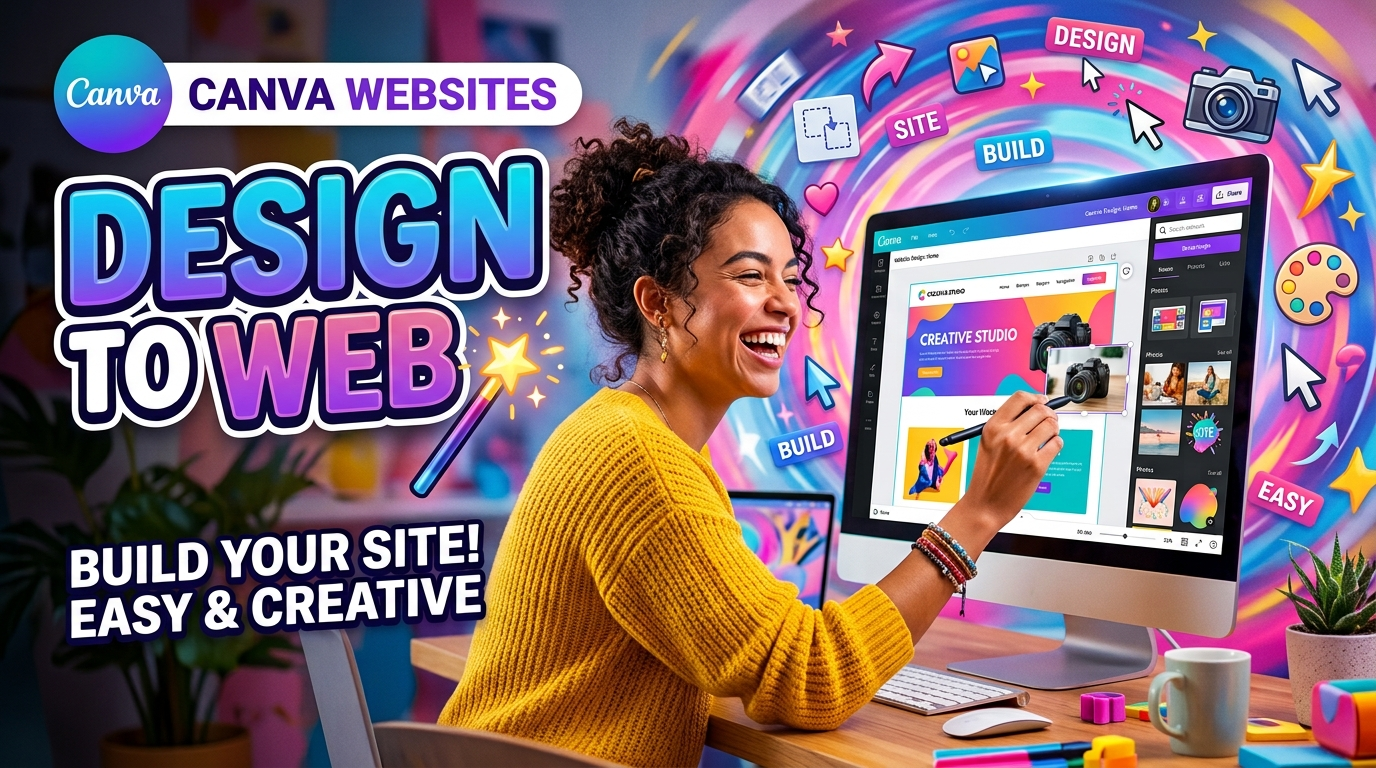
Canva is already a favorite for making posters, but you can now publish your designs as actual websites. This is the ultimate choice for designers who want total control over the look of their page without knowing any code. I transformed a simple flyer into a fully interactive event page in just three clicks.
The interactive elements like buttons and embedded videos make the page feel lively and professional. You can even use your own domain name if you want to move away from the generic Canva URL. It is an amazing way to reuse the graphics you are already making for your social media.
11. Brizy Cloud
Brizy Cloud is a newer player that offers a very intuitive visual builder that feels like a modern app. They have a free tier that is quite generous, including some of the best-looking templates I have seen in the industry. I found the “click to edit” feature to be the fastest way to change text on the fly.
The user interface is clean and doesn’t clutter your screen with a million buttons you don’t need. It is designed to be lightweight so your website loads quickly for everyone in the neighborhood. They also offer great options for landing pages if you are running a temporary campaign.
12. Dorik
Dorik is a great all-in-one platform that combines ease of use with some surprisingly advanced features. It is built on a very stable foundation that ensures your site stays online even during high traffic events. I used it for a city-wide holiday parade and the site handled the surge of visitors perfectly.
You can build a blog or a gallery with ease, making it a great choice for groups that do a lot of events. It is also worth looking into affordable coding platforms for high school students if you want to add a custom member login area for your volunteers. It is a solid, reliable choice for any volunteer coordinator.
13. Tilda
Tilda focuses on typography and visual storytelling, making it a favorite for advocacy groups and non-profits. The blocks are pre-designed to look great, so you just have to swap out the content to make it yours. I love how it handles large blocks of text without making the page look cluttered or boring.
The mobile optimization is some of the best in the business, ensuring your message gets across on any screen size. It has a very artistic feel that makes it stand out from the more corporate-looking builders. If your mission is about emotion and storytelling, this is the tool for you. You will find that the visual impact helps donors and volunteers feel more connected to your cause.
14. Umso
Umso is designed specifically for startups, but its focus on simplicity makes it perfect for community projects too. It uses a unique structure first approach that helps you organize your thoughts before you worry about colors and fonts. I found that this led to a much more organized website that was easier for people to navigate.
The clean code behind the scenes means the site is incredibly snappy and works well on older computers. It is a great choice for a tech-heavy volunteer group or a science-related community project. It is all about efficiency and getting your message out there as clearly as possible. By focusing on the essentials, you can launch a site that looks professional without spending hours on design.
FAQs
Do I need to be a professional designer to make a nice website?
You absolutely do not need a background in design to create a beautiful site. Most of the platforms mentioned here use templates created by professionals that you just need to fill with your own text and photos. As long as you keep your layout simple and clear, your community will appreciate the effort.
Can I change my website builder later if I get stuck?
It is possible to move your content, but it usually involves a bit of manual work to copy and paste your information to a new host. That is why it is important to pick a platform that feels comfortable to you from the very beginning. Take an hour to test two different options before you decide.
How much should I expect to pay for a domain name?
A custom website address usually costs between ten and twenty dollars per year. Some builders offer a free address that includes their name, which is fine for small neighborhood groups on a tight budget. If you want a professional look, saving up for a dedicated domain name is always worth the small cost.
Do affordable coding platforms for high school students provide volunteer help?
Many students who learn on these sites are looking for real-world projects to add to their college applications. You can contact your local high school’s computer science teacher to see if any students are interested in a volunteer project. It is a great way to get high-quality help while supporting a young person’s education.
How often should I update my community website?
Try to update your site at least once a month so that residents know your group is still active. Even a small change like a new event date or a photo from a recent meetup makes a huge difference. Accurate information is the most important part of keeping your volunteers engaged and informed.
Conclusion
Setting up a site is about building a hub for your community, not about mastering code. Once you have a home on the web, you will be amazed at how much faster your projects move. Do you think a simple website would make your next volunteer event more successful?